Batuk is a Sovereign AI platform: a production-grade sovereign AI chat workspace for teams. Its main purpose is to give users one polished chat workspace for every model they are allowed to run, from local Ollama models to OpenAI, OpenRouter, Claude, Grok, Sarvam AI, and private OpenAI-compatible gateways. It also lets teams expose approved models through personal API keys and OpenAI-compatible API endpoints.
The product is intentionally chat-first and governance-aware. RAG, authentication, teams, audit, API management, token usage, whitelabeling, Skills, agents, voice, web search, MCP integrations, and deployment storage all support the primary workflow instead of distracting from it.
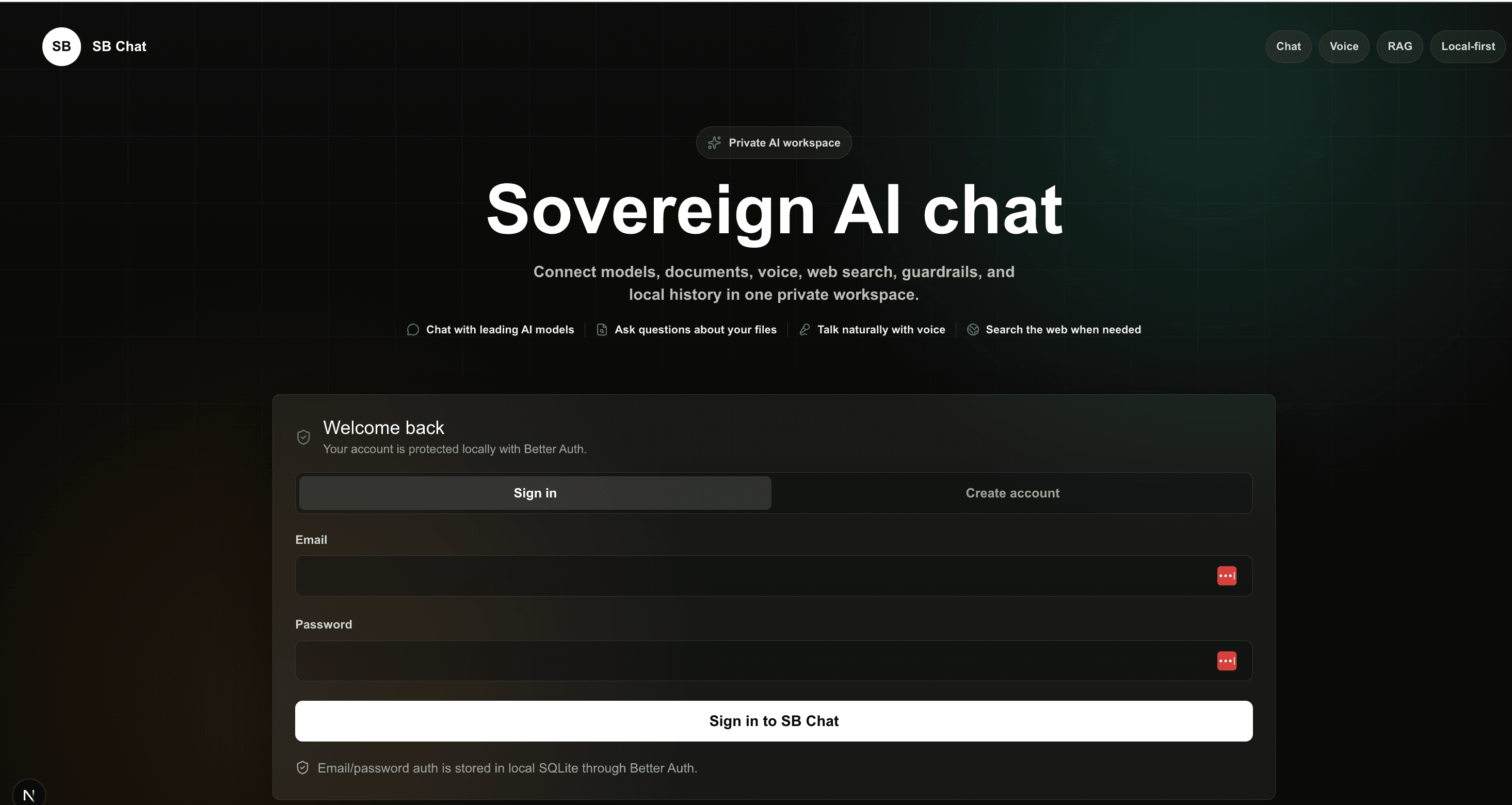
Main purpose: chat with any approved model
Batuk lets a team use local models, hosted APIs, and internal model gateways through one consistent interface. Users can select a provider, choose or enter a model, stream the response, continue the conversation, organize work into folders and workspaces, and keep normal ChatGPT-style ergonomics while the organization keeps control over where intelligence runs.
- Ollama: local/private models for laptop, server, and air-gapped evaluation.
- OpenAI: chat, embeddings, hosted web search, and realtime voice workflows.
- OpenRouter: routed model access across many model families.
- Claude, Grok, and Sarvam AI: first-class hosted provider choices from the same chat surface.
- Custom OpenAI-compatible endpoints: LM Studio, vLLM, llama.cpp, LiteLLM, or internal enterprise gateways.
OpenAI-compatible API gateway
Batuk can operate like an internal OpenRouter-style gateway. Each signed-in user can generate a personal Batuk API key, copy the secret once, and call admin-enabled model routes through OpenAI-compatible endpoints. Raw API keys are never stored; Batuk stores only a SHA-256 hash, short preview, owner metadata, status, and timestamps.
- User controls: users can create and revoke their own API keys from API Access.
- Admin controls: admins can see all user keys, revoke individual keys, revoke all API access for a user, and manage model routes.
- Model routes: admins map public model IDs to provider, model, base URL, and enabled state.
- Endpoints: clients can call GET /api/v1/models and POST /api/v1/chat/completions with Authorization: Bearer batuk_...
- Real model test: the gateway was smoke tested end-to-end against local Ollama qwen3:8b with a successful OpenAI-compatible chat completion response.
Document Chat, RAG, and workspace privacy
Batuk includes a document workspace for upload, search, reindex, download, and delete. Personal uploads are private to the signed-in user. Shared workspace RAG is available only inside an admin-created shared workspace and only to users who belong to that workspace.
- Supported files: PDF, TXT, Markdown, JSON, LOG, CSV, XLS, XLSX, and DOCX.
- Embedding modes: local hashed embeddings for private/offline indexing or OpenAI embeddings for higher-quality semantic retrieval.
- Vector storage: local JSON vectors by default, ChromaDB with configurable URL and collection, or Pinecone with configurable index, namespace, cloud, and region.
- Scope isolation: personal documents, chunks, and vectors are scoped to the user; shared workspace documents, chunks, and vectors are scoped to the workspace.
- Pinecone and ChromaDB: vector records carry scope metadata so retrieval filters before context reaches the model.
- Document operations: delete removes local records and remote vectors when applicable; download always returns the original uploaded source file.
Enterprise identity, teams, and administration
Batuk uses Better Auth as the enterprise identity foundation. It supports local accounts for simple installs and Better Auth plugins for larger client environments that need teams, roles, identity-provider integration, and admin control.
- Authentication: email/password accounts, HTTP-only sessions, protected app APIs, and configurable auth database adapters.
- Admins and users: first-owner bootstrap plus full admin user CRUD: create, read, update, reset password, ban, unban, and delete.
- Organizations and teams: create organizations, switch active organization, create teams, invite members, and manage roles.
- Workspace management: admins create, rename, configure, delete, and add or remove members from shared workspaces by email.
- Admin visibility: non-admin users do not see Workspace Management, Enterprise Management, or Audit and Compliance menu entries.
- Enterprise protocols: Better Auth Dashboard, OAuth/OIDC provider support, SSO for OIDC/SAML, and SCIM provisioning.
- Authorization: product APIs check role permissions for chats, documents, agents, skills, memory, token usage, models, attachments, realtime sessions, workflow runs, and API management.
Token usage analytics
Batuk tracks token usage as an operational dashboard. It separates chat traffic from API traffic and lets teams inspect usage by channel, user, chat, API key, provider, model, day, month, and year with numeric totals and lightweight charts.
Audit, privacy, and compliance operations
A dedicated Audit workspace summarizes product evidence for GDPR, ISO 27001, and SOC 2 readiness. These are product-level workflows and evidence trails; formal certification still requires organizational policy, operational controls, auditor review, and production evidence over time.
- Audit trail: access denials, admin actions, API management actions, document activity, chat library mutations, privacy requests, and control changes.
- Integrity evidence: audit entries include hash-chain metadata so tampering becomes visible during review.
- GDPR workflows: data export, request register, erasure request, and privacy operations.
- Control register: GDPR, ISO 27001, and SOC 2 mappings presented as concise implemented-control evidence.
- Exports: audit CSV export for review and compliance operations.
Storage and deployment model
Batuk starts local-first and can move into enterprise storage without changing the user experience. JSON files and SQLite keep development simple. SQL product storage and Docker profiles make client deployments repeatable.
- Auth storage: SQLite, MySQL, PostgreSQL, MS SQL, or MongoDB through Better Auth adapters.
- Product data: local JSON by default, or SQLite, MySQL, and PostgreSQL for chats, workspaces, folders, documents, chunks, memories, API management records, skills, agents, workflows, token usage, branding, compliance, GDPR requests, and audit trails.
- Scoping: personal product data is scoped to the signed-in user; shared workspace data is explicitly scoped to the workspace.
- Files: document source files and branding logos use configurable local/container paths.
- Docker: included Dockerfile, Compose profiles, startup validation, auth migrations, product-data migrations, Postgres, MySQL, and ChromaDB support for enterprise or air-gapped deployment.
Whitelabeling
Admins can whitelabel the active organization from the Enterprise window. They can set product display name, tagline, logo initials, accent color, and upload a logo that appears in the top-left product surface. The footer remains locked and always preserves the attribution: Batuk, created by Suhas Bhairav.
Skills and agent workflows
Batuk includes a Skills dashboard for reusable instructions and an Agent Builder for repeatable multi-agent workflows. Skills can be created, edited, enabled, disabled, imported, exported, and injected into chat when relevant. Agent workflows can chain specialist prompts, attach documents to Agent 1, inspect run traces, and send final output back into the chat window.
Enterprise MCP integration directory
Batuk now includes an MCP integrations dashboard in alpha, PoC stage. The dashboard is designed as an enterprise connector control plane: teams can save Streamable HTTP, SSE, and stdio MCP server records, open a modal editor for endpoint JSON, discover tools, resources, and prompts, select or unselect an active MCP product for chat, and delete saved connection records.
The MCP directory includes presets for Notion, Stripe, PayPal, ClickUp, Slack, Gmail, Google Maps Platform, Monday.com, Atlassian, Linear, Asana, Amplitude, PostHog, Sentry, Neon, Render, Netlify, HubSpot, Swiggy, and custom MCP servers.
- Enterprise connector coverage: revenue systems, work management, payments, finance, analytics, observability, developer platforms, documentation, design, media, browser automation, and support tools.
- Active product selection: users can choose which MCP product is active at the top of chat and see a clear MCP connected banner.
- Context-first chat: discovered MCP capabilities and readable resources can be injected into chat context, while full automatic tool execution inside normal chat remains in progress.
- Governance posture: every connector is marked alpha/PoC so enterprise teams know to verify OAuth scopes, tenant permissions, audit requirements, and write-action approvals before production use.
Product workflow
- Choose a provider and model.
- Optionally enable guardrails, web search, voice, Skills, temporary chat, or Document Chat.
- Upload personal documents for private indexed RAG or use a shared workspace for member-scoped RAG.
- Generate a personal API key when programmatic access to admin-enabled models is needed.
- Stream answers with Markdown, source context, and reusable chat history.
- Organize conversations in personal or shared workspaces and folders, export/import records, and track token usage.
- Administer users, workspaces, model routes, API access, teams, organizations, identity integrations, branding, and audit evidence from enterprise workspaces.
Batuk alternatives
other sovereign AI chat workspaces is an alternative when you want a broader self-hosted AI dashboard with its own permissions and API key model.
Ollama and llama.cpp are alternatives or companion layers when local model execution is the main requirement.
LM Studio, Jan, and Msty are alternatives when a desktop AI app is preferred over a browser-based workspace.
AnythingLLM, Onyx, LibreChat, Dify, and Langdock are alternatives when document Q&A, provider routing, API gateway access, or hosted workflow platforms are the main product focus.
FAQ
What is Batuk?
Batuk is a sovereign AI chat workspace and internal model API gateway for teams. It lets users chat with Ollama, OpenAI, OpenRouter, Claude, Grok, Sarvam AI, and private OpenAI-compatible models from one enterprise-ready interface.
Is Batuk a sovereign AI chat workspace?
Yes. Batuk is a sovereign AI chat workspace built with Next.js and JavaScript, focused on model choice, user-scoped RAG, API access, enterprise identity, local-first control, and readable product architecture.
Does Batuk support user API keys?
Yes. Users can create personal API keys for OpenAI-compatible programmatic access, and admins can manage model routes and revoke API access.
Are API keys stored raw?
No. Batuk stores only a SHA-256 hash, display preview, owner metadata, status, and timestamps. The full secret is shown once at creation.
Does Batuk support RAG?
Yes. Batuk supports personal and shared-workspace document upload, indexing, retrieval, reindexing, download, delete, local embeddings, OpenAI embeddings, local JSON vectors, ChromaDB, and Pinecone.
Does Batuk support Pinecone?
Yes. Batuk can store document vectors in Pinecone with configurable index and namespace settings while keeping original file download, document delete behavior, and scope filtering consistent with local JSON and ChromaDB modes.
Does Batuk include enterprise auth?
Yes. Batuk uses Better Auth for accounts, admins, organizations, teams, roles, OAuth/OIDC provider support, SSO, SCIM, and protected APIs.
Can admins manage users and workspaces?
Yes. Admins can create users, update user details and roles, reset passwords, ban or unban users, delete users, create shared workspaces, add users by email, remove workspace users, delete workspaces, and manage API access.
Can Batuk be whitelabeled?
Yes. Admins can whitelabel the active organization with product name, tagline, accent color, initials, and uploaded logo. The footer remains locked to Batuk, created by Suhas Bhairav.
Can Batuk be deployed in enterprise environments?
Yes. Batuk includes Docker assets, SQL initialization files, environment examples, startup validation, migrations, and profile-based Postgres, MySQL, and ChromaDB services for enterprise and air-gapped deployment.